Cellar Keeper Target Hint Skill Guide
Directional hints that answer "where does this bottle go?"
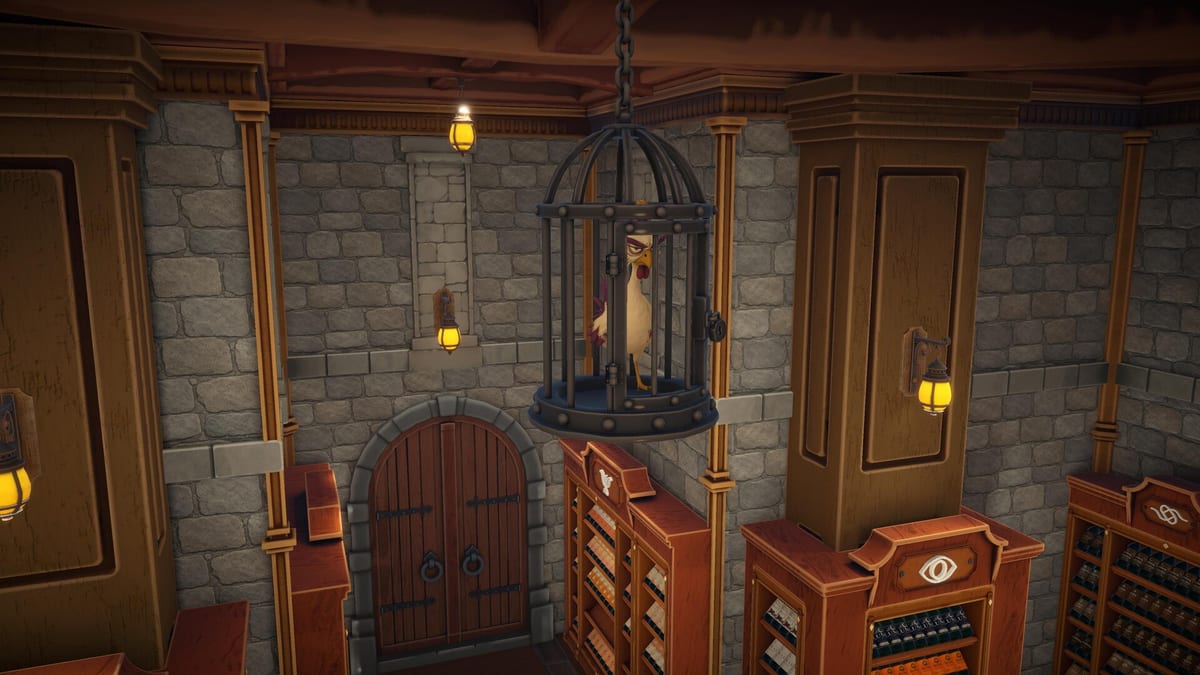
Target Hint is a Cozy Mode navigation skill in Cellar Keeper. While Spot Matches answers “which bottles match what I need,” Target Hint answers “where should I go with this bottle?” Holding a bottle and activating Target Hint typically highlights the correct cabinet zone or destination path on the central map — reducing wrong-wing walks through a cellar that spans multiple rooms.
For a game with 2,448 bottles scattered across an atmospheric underground layout, cutting even thirty seconds per trip compounds into hours saved by mid-campaign.
What Target Hint does
Core behaviour (verify exact visuals per upgrade level in-game):
- Pick up or hold a bottle.
- Activate Target Hint (cooldown applies).
- Receive a directional cue toward the matching cabinet symbol on the map or in the environment.
Target Hint does not override shelf claim rules — if another brand already claimed the shelf, the hint may point to the correct wine type zone while you still must verify brand compatibility. Read Types and Brands alongside map symbols from Cabinet Symbols.
Target Hint versus Spot Matches
| Skill | Question it answers |
|---|---|
| Spot Matches | Which bottles in this pile match? |
| Target Hint | Where does the bottle I am holding belong? |
If you stand in clutter unable to decide what to pick, level Spot Matches. If you know what to pick but walk to the wrong wing repeatedly, level Target Hint per the Skills Tier List.
Upgrade timing
Target Hint is strong midgame — after Batch Grab and Spot Matches foundations, roughly when you stop reading every label twice but still open the map constantly. Recommended alongside or shortly after Quick Order so carries and destinations both streamline.
Five upgrade levels shorten cooldowns and improve hint clarity. Skill points come from completing shelves; finish small series first for faster payouts.
Synergy chain
A typical optimised loop:
- Spot Matches highlights candidates in a pile.
- Batch Grab scoops matching bottles into carry.
- Quick Order sorts the carry list.
- Target Hint confirms cabinet direction while walking.
- Auto Place (late luxury) assists the final click.
See How to Organize Bottles for the full placement loop with yellow and gray feedback.
Mode limitations
Speedrun Mode disables Target Hint entirely. Memorise map symbols before No Shortcuts attempts — the Symbol Legend tool helps build mental maps in Cozy first.
Hardcore Mode keeps Target Hint but breakage risk remains if you sprint through narrow aisles with full carries.
Common mistakes
- Maxing Target Hint before Spot Matches — you know where to go but still pick wrong bottles.
- Trusting hints over gray flashes — if placement gray-flashes, the shelf claim or series order is wrong regardless of hint.
- Opening the map every two steps — Target Hint should reduce map dependency, not replace learning symbols.
Peak Efficiency requirement
Peak Efficiency demands every skill maxed, Target Hint included. Do not skip it even if you feel you “know the map” — the achievement checks purchases, not confidence.
Related guides
Target Hint is the skill that stops you from marching confidently toward the wrong cabinet. Level it when your feet know the cellar better than your memory does.
Frequently Asked Questions
Quick answers to the most common questions.
What is the difference between Target Hint and Spot Matches?
Spot Matches finds matching bottles in the environment. Target Hint shows where to go with the bottle you are holding.
When should I upgrade Target Hint?
Midgame, after Batch Grab and Spot Matches. See [Skills Tier List](/skills/tier-list/).
Can Target Hint show wrong shelves?
Hints point toward correct wine type zones. Brand shelf claims still matter — verify with [Types and Brands](/bottles/types-and-brands/).
Is Target Hint available in Speedrun Mode?
No. Speedrun disables all seven Cozy skills.